
before it goes on the map
Photo rules.
Every sighting on the map is a real person's photo, and a volunteer looks at each one before it goes up. These are the things they check, in the order they check them.
Your words come first
Names, addresses, and anything unkind or off-topic come back to you to fix.
No faces of anyone in uniform
If a soldier is in the shot, the face has to be turned away, covered or cropped out. If it isn't, the sighting goes up without the photo.
No kids' faces unless you're their grown-up
That's the box you tick when you send it. If there's a child in the photo and you're not their parent or guardian, crop to the duck.
Nothing that shows where someone lives
A house number, for one. We'll crop it, or the sighting goes up without the photo.
There has to be a duck
It's a duck map. If we can't find the duck, the photo comes back to you.
See a photo on the map that breaks one of these? Use “Report this photo” under it. It goes straight to the people who approve sightings.
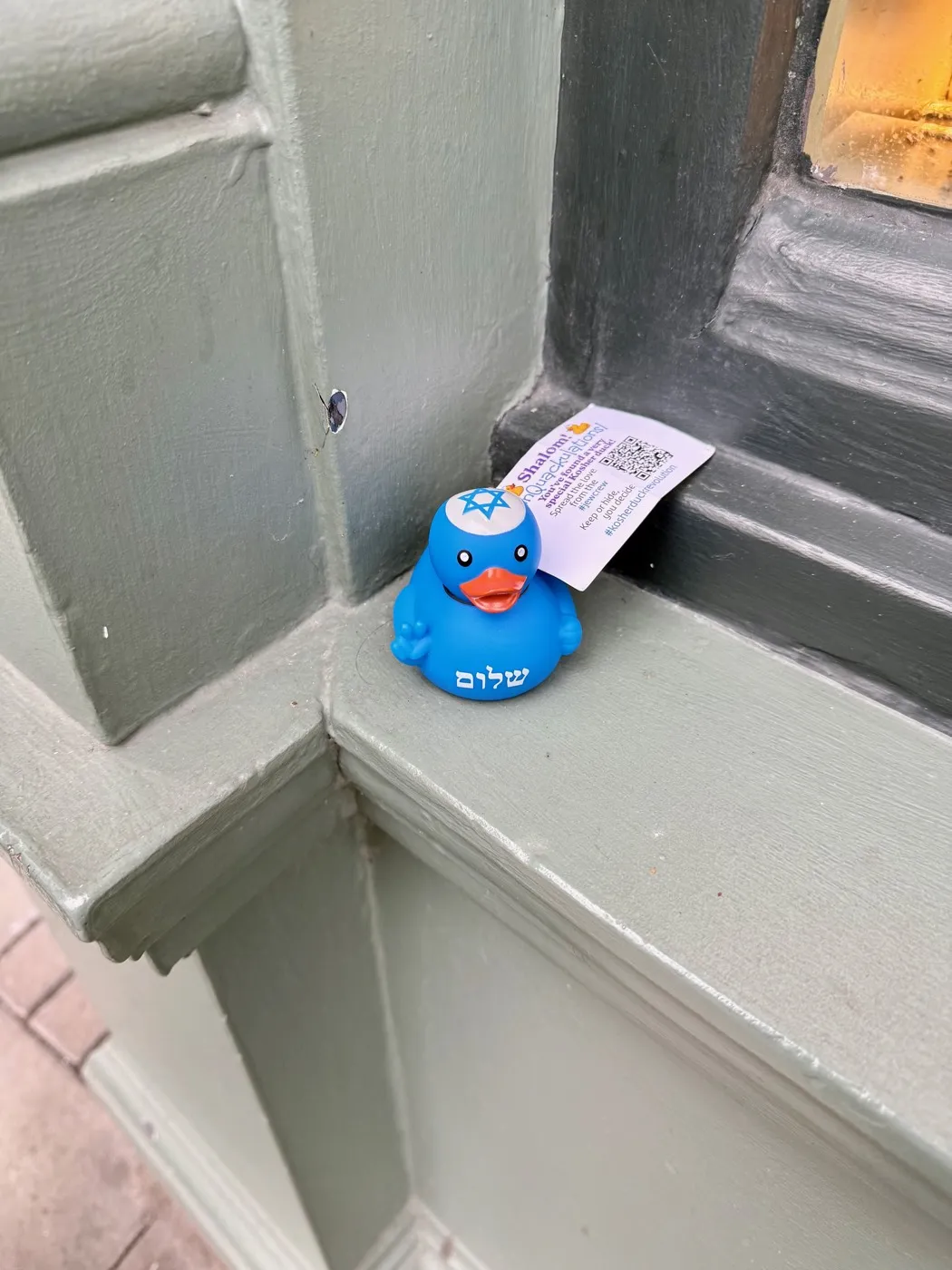
A good one looks like this.
You can see the duck, you can tell where it is, and there's nobody in it we'd have to ask about.
And one thing we do for you.
Phones tuck the exact spot a picture was taken into the file itself. We strip that out before your photo goes on the map. The pin goes where you tell us — we look up the place you type in the location box.
what a photo goes through
A person looks before anything goes live.
- Received
Nothing is public yet — not the pin, not your words, not the photo. Keep the link we give you to check on it.
- In review
A volunteer reads what you wrote and checks the photo against the photo rules.
- Approved
Your pin, your words and your photo go up on the map together.
- Returned
Something needs a change — maybe a face to crop, or a different shot. We'll say what, and you can send it again.
- Approved, no photo
Your words passed and the photo didn't. The pin and your words go up with our stock duck in place of the photo.